
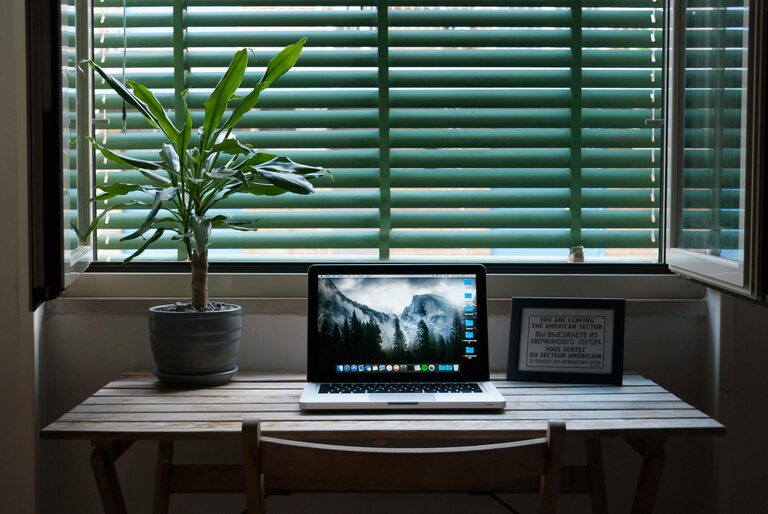
Creating a home office that is both cozy and productive can transform your work-from-home experience. Whether you’re working full-time remotely or just need a spot for occasional tasks, having a dedicated space that inspires focus and comfort is key. In this post, we’ll share practical tips to help you design a home office that meets your needs and feels like a welcoming retreat.
Why a Cozy and Productive Home Office Matters
Working from home offers flexibility but also brings challenges, such as distractions and lack of clear boundaries. A well-designed home office can help establish a routine, reduce stress, and improve efficiency. When your workspace feels cozy, it encourages you to spend more time there comfortably, which can lead to better concentration and creativity.
Choosing the Right Location
Find a Quiet Spot
If possible, select a quiet corner or a separate room. Avoid high-traffic areas to minimize noise and interruptions.
Consider Natural Light
Position your desk near a window to benefit from natural light. Daylight boosts mood and reduces eye strain.
Think About Convenience
Make sure your office is easily accessible, especially if you’ll use it frequently throughout the day.
Furnishing Your Space for Comfort and Functionality
Invest in a Quality Chair
Comfort is essential. Choose an ergonomic chair that supports your back and promotes good posture.
Select a Suitable Desk
The desk should be large enough for your computer, notepads, and any other essential tools, but not so big that it feels empty.
Incorporate Storage Solutions
Use shelves, filing cabinets, or desk organizers to keep your supplies tidy and within reach.
Lighting Tips to Enhance Productivity
Use Layered Lighting
Combine overhead lights, task lamps, and natural light for flexibility depending on the time of day.
Avoid Glare and Shadows
Adjust your lighting setup to prevent reflections on your computer screen and reduce eye fatigue.
Choose Warm-Toned Bulbs
Warm light creates a cozy atmosphere without compromising visibility.
Personalize Your Office Space
Add Plants
Indoor plants improve air quality and add a touch of nature, making the space feel alive and soothing.
Decorate Mindfully
Incorporate artwork or personal items that inspire you but avoid clutter.
Use Color Wisely
Colors like soft blues, greens, or warm neutrals create a calming environment conducive to focus.
Organize to Maximize Efficiency
Declutter Regularly
Keep only what you need on your desk and store the rest to maintain a clean workspace.
Use Cable Management
Tidy cables with clips or sleeves to reduce distractions and keep the area safe.
Plan Your Layout
Arrange items logically so frequently used items are easy to reach.
Make Technology Work for You
Invest in Reliable Equipment
Choose a fast internet connection, quality headphones, and an efficient computer setup to reduce technical frustrations.
Set up Dual Monitors
If your work involves multitasking, multiple screens can increase productivity and comfort.
Use Productivity Tools
Apps and software for task management, time tracking, or note-taking can streamline your workflow.
Establish Boundaries and Routine
Set Work Hours
Define clear start and end times to separate work from personal time, which also helps mental well-being.
Create a Start-of-Day Ritual
Begin your day with a routine to signal to yourself it’s time to work, like making coffee or reviewing your tasks.
Take Breaks
Incorporate short breaks to stretch and rest your eyes, which maintain alertness and comfort.
Final Thoughts
Designing a cozy and productive home office is about balancing comfort with functionality. By carefully choosing your location, furniture, lighting, and organization, you can create a workspace that motivates and supports you throughout the workday. Personal touches and clear routines will further enhance your experience, turning your home office into a place where you enjoy spending time and accomplishing your goals. Start small, and adjust as you go—you’ll find the setup that fits your style and work needs perfectly.