
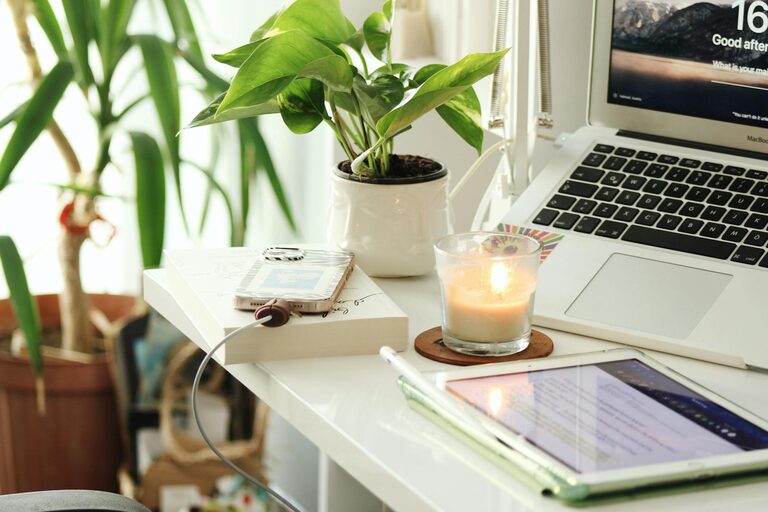
Creating a productive home office is essential for anyone working remotely or managing tasks from home. A well-organized and comfortable workspace can enhance focus, reduce distractions, and make your workdays more enjoyable. Whether you have a dedicated room or a small corner, these tips will help you design a space that supports your productivity and well-being.
Choose the Right Location
Finding the best spot for your home office sets the foundation for productivity. Consider these factors when selecting your workspace:
– Quiet environment: Choose a location away from household noise to minimize interruptions.
– Natural light: Opt for a space near windows to benefit from natural sunlight, which can improve mood and energy.
– Privacy: Select an area that allows you to focus without frequent distractions from family or roommates.
– Space: Ensure there’s enough room for your desk, chair, and any equipment you need.
If space is limited, even a small corner can work well with proper organization.
Invest in Comfortable and Functional Furniture
Comfortable furniture supports long work hours and prevents discomfort or injury.
– Ergonomic chair: Choose a chair with adjustable height, lumbar support, and comfortable cushioning.
– Desk: Pick a desk that fits your space and accommodates your computer, paperwork, and other essentials.
– Monitor stand: Using a monitor stand or adjustable arm helps position your screen at eye level to reduce neck strain.
– Keyboard and mouse: Ergonomic accessories can reduce wrist strain during typing.
Having furniture designed for work promotes better posture and focus.
Organize Your Workspace
A clutter-free environment can help clear your mind and improve concentration.
– Declutter regularly: Remove unnecessary items and tidy your desk daily.
– Storage solutions: Use shelves, drawers, and organizers to keep supplies within reach but out of the way.
– Cable management: Use clips or cable organizers to keep cords neat and prevent tangling.
– Designate zones: Create separate areas for different activities, such as computer work, paperwork, and meetings.
Keeping your workspace neat saves time and reduces stress.
Optimize Lighting
Proper lighting is crucial for reducing eye strain and creating a pleasant atmosphere.
– Natural light: Position your desk near windows, but avoid glare on screens.
– Task lighting: Use adjustable desk lamps to focus light where needed, especially during evening hours.
– Ambient lighting: Soft overhead lights can reduce harsh shadows and provide consistent illumination.
– Avoid screen glare: Adjust computer screens and lighting to prevent reflections.
Good lighting makes it easier to stay alert and comfortable.
Minimize Distractions
Distractions can disrupt your workflow and lower productivity. Here are ways to keep them in check:
– Set boundaries: Communicate your work hours to family or housemates.
– Turn off unnecessary notifications: Silence phone and computer alerts that aren’t work-related.
– Use noise control: Consider noise-canceling headphones or background music to block disruptive sounds.
– Keep personal items separate: Avoid having unrelated materials in your workspace.
Establishing a focused environment helps maintain a steady work rhythm.
Personalize Your Space
Adding personal touches can make your office inviting and motivating.
– Inspiring decor: Hang artwork or photos that uplift your mood.
– Plants: Indoor plants can improve air quality and add a calming natural element.
– Color: Choose colors that boost energy or relaxation, depending on your preferences.
– Comfort items: Include items like cushions or a cozy blanket for added comfort.
A space that feels welcoming encourages you to spend time there and enjoy your work.
Establish a Routine
Creating habits around your workspace can improve productivity and work-life balance.
– Set work hours: Define a clear schedule to start and end your day.
– Designate breaks: Take regular breaks to stretch and recharge.
– Dress for work: Dressing as if going to an office can boost your mindset.
– Clean up at day’s end: Tidying your workspace signals the end of the workday.
Consistent habits help separate work time from personal time.
Equip Your Office with Technology
Having the right technology ensures smooth and efficient work.
– Reliable internet: A strong internet connection is essential for virtual meetings and tasks.
– Quality headphones: Use noise-canceling headphones for calls and concentration.
– Printer/scanner: Depending on your work, having these devices close by can be helpful.
– Backup storage: Use cloud storage or external drives to protect important files.
Investing in suitable technology tools minimizes disruptions and supports productivity.
Maintain Your Workspace Regularly
Regular maintenance keeps your home office functional and pleasant.
– Deep clean weekly: Dust surfaces, wipe screens, and vacuum to keep the area fresh.
– Review organization: Reassess storage and supplies to reduce clutter.
– Update technology: Keep software and hardware up to date for optimal performance.
– Check ergonomics: Periodically review your setup to ensure continued comfort.
Ongoing care increases the longevity and comfort of your workspace.
—
By thoughtfully designing your home office with these tips, you can create a productive environment that helps you focus, stay organized, and enjoy your work-from-home experience. Remember, a good workspace reflects your needs and preferences, so feel free to adjust and personalize it over time. Happy working!